A parish website can publish an address and a timetable. A parish platform has a longer responsibility: it receives requests, routes them to a community and tells the sender what happened next.
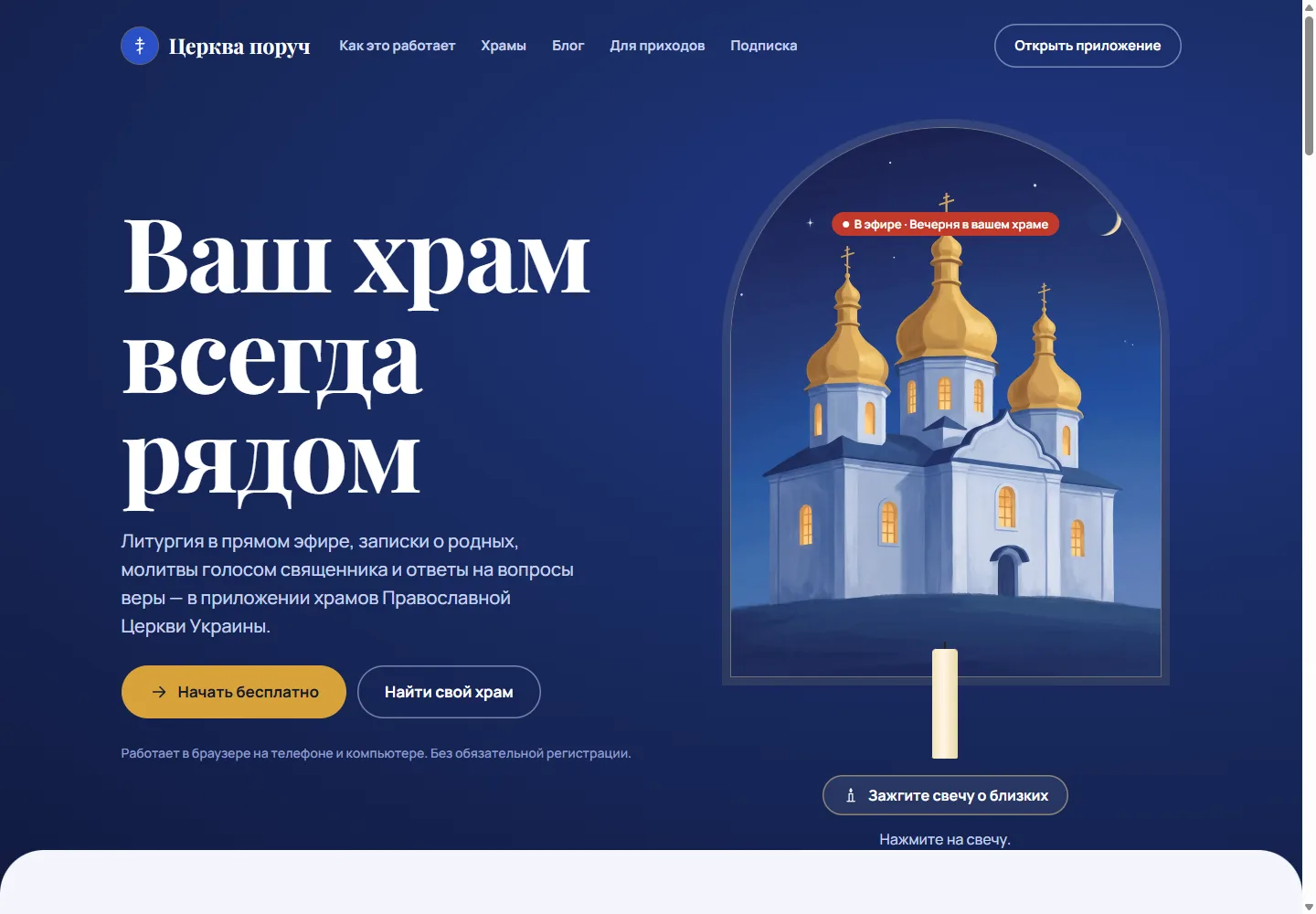
Церква поруч on roun.org presents this wider experience for parishes of the Orthodox Church of Ukraine. Its public pages bring together church discovery, livestreams, prayers, requests and questions for clergy. The site is available through Ukrainian and Russian language routes and links to a browser application.
The useful design question is what connects these features. In this case, it is the person’s relationship with a particular parish.
Choose a parish before routing a request
“Find a church” can mean a nearby building, a familiar community in another city or the parish where someone’s family worships. A location-only search cannot express all of those intentions.
Roun provides a church directory alongside direct paths into the application. Once a parish is selected, its identity should remain visible through service information, prayer requests and contact. Otherwise, someone can arrive through a local page and lose track of which community will receive the next action.
For a team planning similar software, this is a data-model decision as well as a navigation decision. Requests, schedules and messages need a clear relationship to the parish that handles them.
A submitted form is the start of the workflow
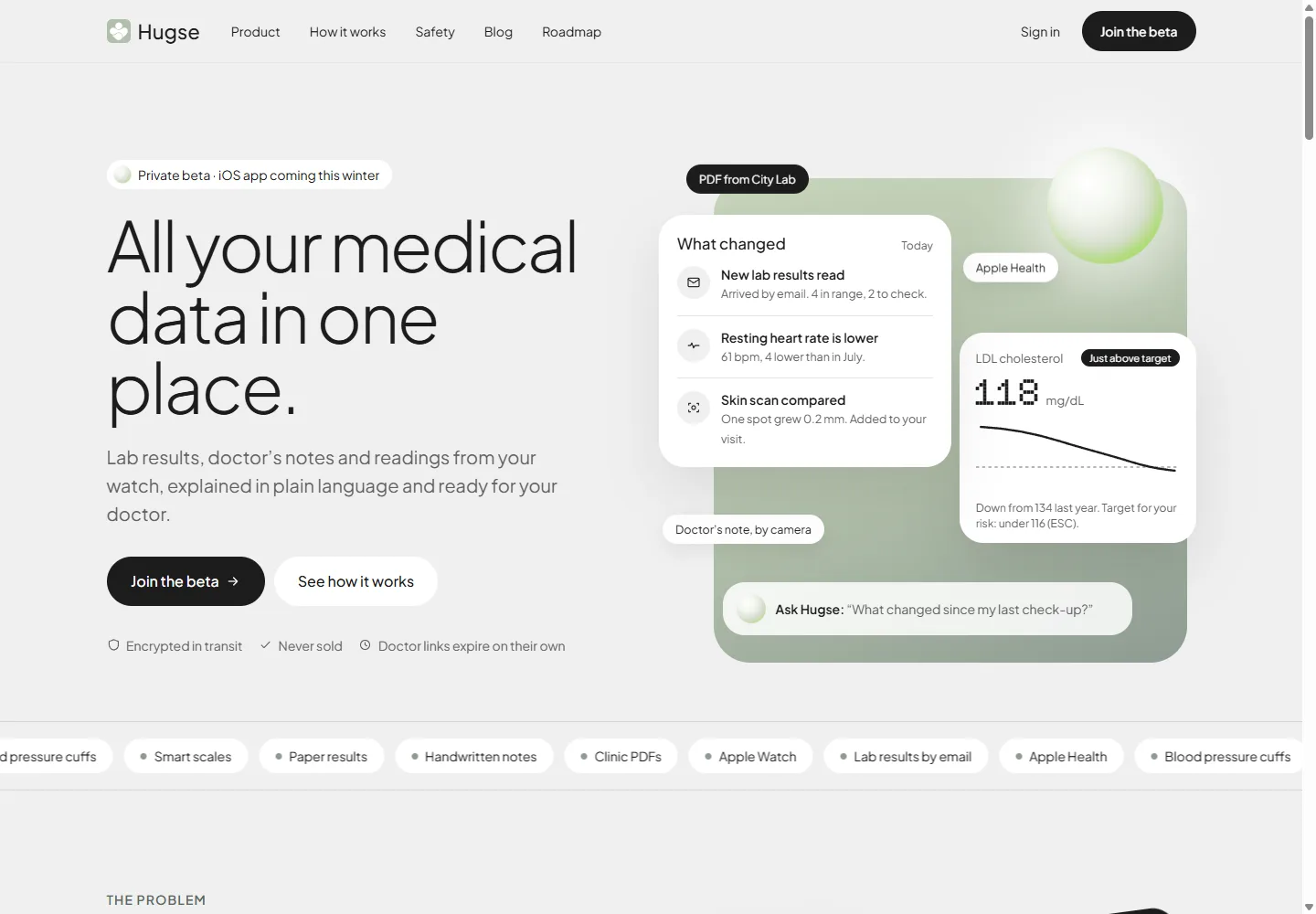
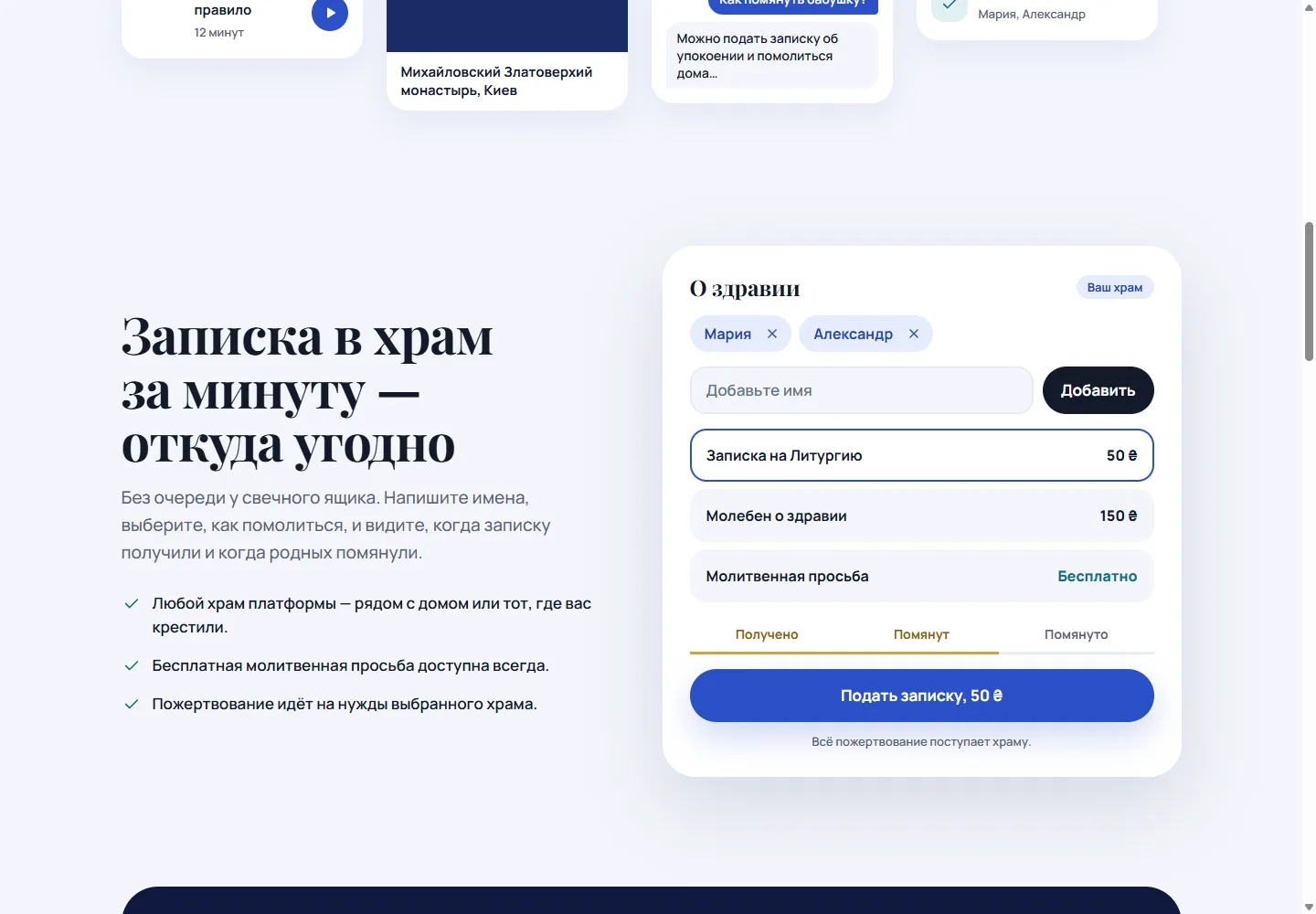
Roun’s prayer-note presentation asks for names and the type of request. It then illustrates received and commemorated states. Those states close a communication gap: the person knows that submitting the form and including the names in a service are different events.
The staff view needs to support the same distinction. A practical specification would define who acknowledges a request, which service it belongs to, how names are prepared for reading and who records completion. Without that work, a polished form simply moves an unstructured inbox into a new interface.
Explain donations beside the choice
The public request example shows donation-supported options alongside a free prayer request and states that the donation goes to the selected church. This lets someone understand the options at the point of selection.
Pricing information elsewhere on the homepage describes a separate subscription. Keeping these concepts distinct helps people understand what they are choosing: supporting a particular request, subscribing to additional features or using the free service.
This article describes the public presentation. It does not independently verify payment settlement or parish revenue. A production implementation needs its own reconciliation and reporting checks beyond the design of these screens.
Label the person or system answering
The site demonstrates an automated answer and a priest’s personal response as different messages. It also describes an escalation path for personal questions.
That distinction should persist through the conversation. A new visitor may not have read the landing page before asking something sensitive. They need to see who is answering within the message itself, and understand whether a priest has actually received their question.
For AI-enabled product design, the requirements are specific: define the assistant’s scope, label its output and show the route to the responsible person. A general statement that the product “has AI” supplies none of those requirements.
Give parish staff an operational view
The parish page introduces schedules, news, prayer lists, questions and reporting. These are recurring tasks that need to be manageable by people who are also running services and caring for a community.
QR codes connect the physical church to its page. That makes the landing experience especially important on a phone: the person has already chosen a parish by scanning its code, so the interface should preserve that context rather than ask them to start again.
Test the return journey
The most revealing product review follows a request beyond the first button. Select a parish, submit the names, check the acknowledgement and return later to see the status. On the staff side, trace the same request into the appropriate service list.
That is a proposed validation sequence for this kind of platform; no prayer request or payment was submitted while preparing this article. The Roun case study contains screenshots of the public experience. Our software development work uses these connected journeys to turn a feature list into a workflow a community can run.